 MakerStory
An iPhone app for makers
Show buyers how your work is made.
Photograph your materials, your process and the finished piece. MakerStory turns them into posts for social media and a page buyers can open from a link or QR code — with a record that shows the photos haven’t been changed since you took them.
- One-time purchase, no subscription
- No account
- Buyers need nothing installed
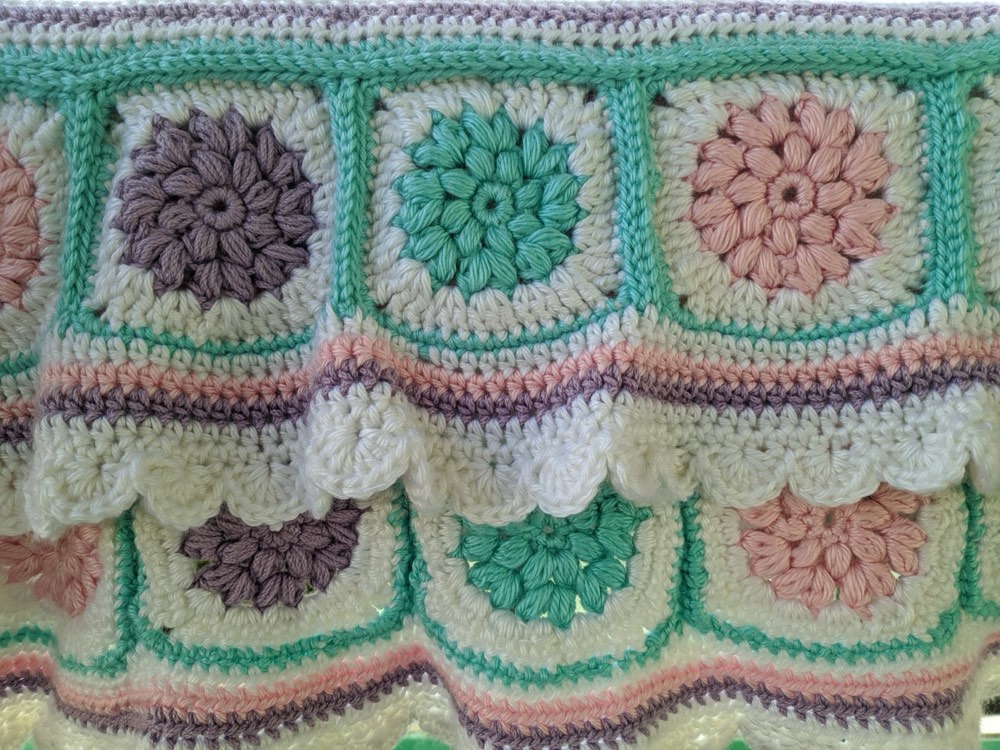
Making record · April 2026
Granny-square blanket
Checked in this browser: the exact photos the maker recorded, nothing edited afterwards.
How it works
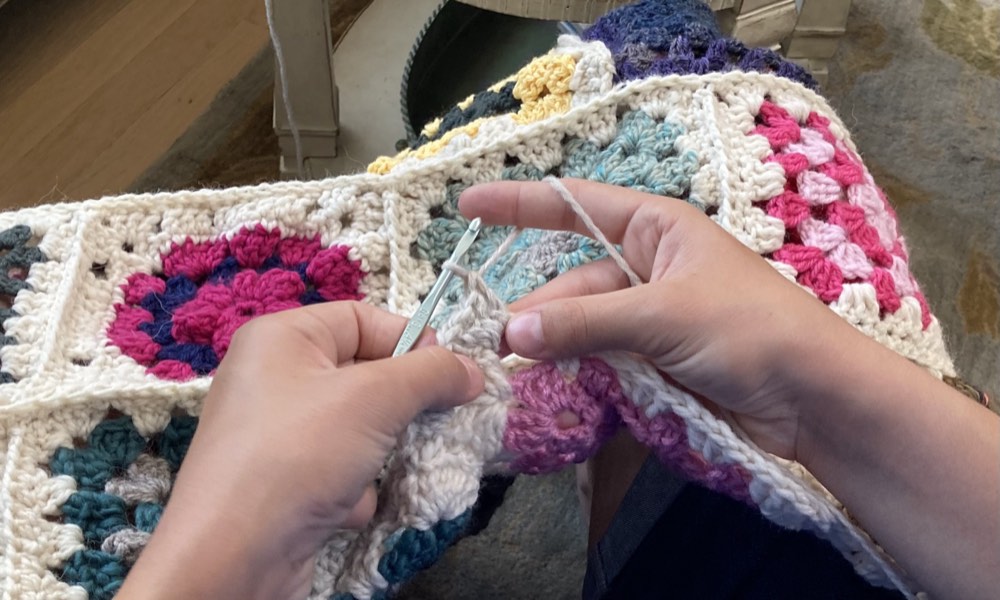
Three steps, all on your iPhone. Made for crochet and knitting, ceramics, jewellery, woodwork, leather, sewing and every other craft.
- 1
Record as you make
Take photos and short videos in the app at each stage: materials, making, finished. Each one is saved unedited on your iPhone, fingerprinted and signed by your iPhone, and time-stamped by MakerStory.
- 2
Create your story
Turn the photos into carousels, posts and square images in three designs, sized for Instagram, TikTok and your shop listings. Or share the untouched originals.
- 3
Share one link
Publish a page with the photos you choose and share it as a link or QR code. Buyers open it in any browser, and their browser re-checks the record every time.
What buyers see
The page leads with the finished piece and how it was made, stage by stage. Each photo says whether it was taken with the MakerStory camera or added from a photo library, and when MakerStory time-stamped it.
- Every photo matches its fingerprint
Each photo on the page is byte-for-byte the copy the maker’s iPhone signed.
- Nothing edited, inserted or removed
Each saved version contains the fingerprint of the one before it, so a later edit breaks the chain.
- Time-stamped as the work happened
MakerStory’s server signs the time of each step, so a photo can’t be added later with an earlier date.
- One iPhone signed every step
The same device key signed the whole record, from the first photo to the last.
Your browser just ran every check above, and all of them passed.
Something changed after it was recorded. Photos that don’t match are hidden. Don’t rely on the page; ask the seller.
The checks run in the buyer’s own browser. Anyone can also download the signed record and check it independently.
Honest about what it shows
A making record is evidence you collect as you work. It isn’t a certificate.
A making record shows
- The photos and details haven’t changed since they were saved
- Which iPhone signed them
- When MakerStory time-stamped each step
- Whether each photo was taken in the app or added from a library
It can’t show
- Who made the item, or that it was made by hand
- What the photos show — MakerStory doesn’t analyse images, so a staged scene would still pass
- When photos from a library were really taken
- That the photos show the exact item a buyer receives
Private by default
Nothing leaves your iPhone until you choose to publish a page.
Originals stay on your iPhone
Full-size photos and videos are never uploaded.
You choose what’s public
Only the photos you select, resized, with location and camera data removed.
Private or removed any time
Hide or remove a page in the app and its photos are deleted from the server.
No account, ads or tracking
No sign-up, no analytics, no third-party SDKs.
Questions
Does MakerStory prove an item is handmade?
No. It shows that the photos and details haven’t changed since they were saved, which iPhone signed them and when MakerStory time-stamped them. The maker’s name and descriptions are their own words.
Can it tell whether a photo was made with AI?
MakerStory doesn’t guess — AI detectors are unreliable and can wrongly flag real photos. Instead, it shows where every photo came from. Photos labelled “MakerStory camera” were taken with the iPhone camera inside the app while the work happened; the app won’t give that label to a downloaded or generated image, which can only be added as “From photo library”.
Each step is also time-stamped by our server, so a buyer sees, for example, six camera photos taken over nine days. A photo changed after it was recorded turns the page red.
Do buyers need the app or an account?
No. A MakerStory page opens in any web browser from a link or QR code, and the checks run in the buyer’s browser.
Can I use photos I’ve already taken?
Yes. Photos added from your library are labelled as such on your page, so buyers can tell them apart from photos taken in the app.
What happens if I make a page private or remove it?
Its photos are deleted from the server straight away. The link then says the page is private or has been removed.
What does it cost?
MakerStory is a one-time purchase on the App Store. There’s no subscription and no account.
How do I report a page?
Every page has a link to report it, or write to us through Support. We review reports within 24 hours and remove pages that break the Terms of Use.
Who makes MakerStory?
MakerStory is made by Agent Flow Inc. It’s an independent app, not affiliated with Etsy or any marketplace, and it doesn’t certify products, makers or materials.
Let buyers see the work behind every piece.
MakerStory is coming soon to the App Store for iPhone.